

infrADAC v1.4 update
"Grade" Expectations
New Surface Tools, bulk creation commands, sewer connection measurements, install transfer, ground level tools, fall direction tools, Ribbon Bar updates and workflow improvements.
Our latest update v1.4.0 "Grade" Expectations, adds the Surface Tools workspace, new bulk creation commands, sewer connection measurement tools, install transfer, ground level commands, fall direction commands, Ribbon Bar updates and improvements for day to day asset creation.
New workspace
Surface Tools for AutoCAD and BricsCAD
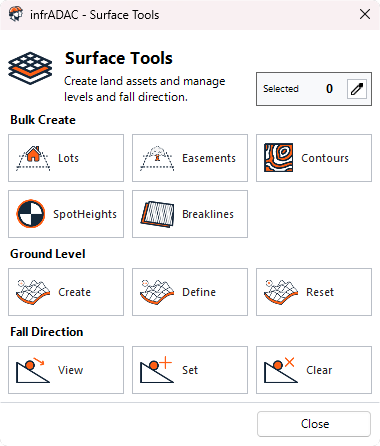
Open Surface Tools for bulk creation, ground level tools and fall direction tools from one window.
Updated Ribbon Bar
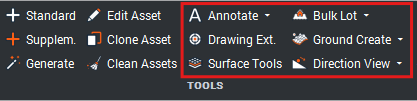
Surface Tools in the Ribbon Bar
The Ribbon Bar now includes the new commands for Surface Tools, ground level, fall direction and expanded bulk creation workflows.
Bulk creation
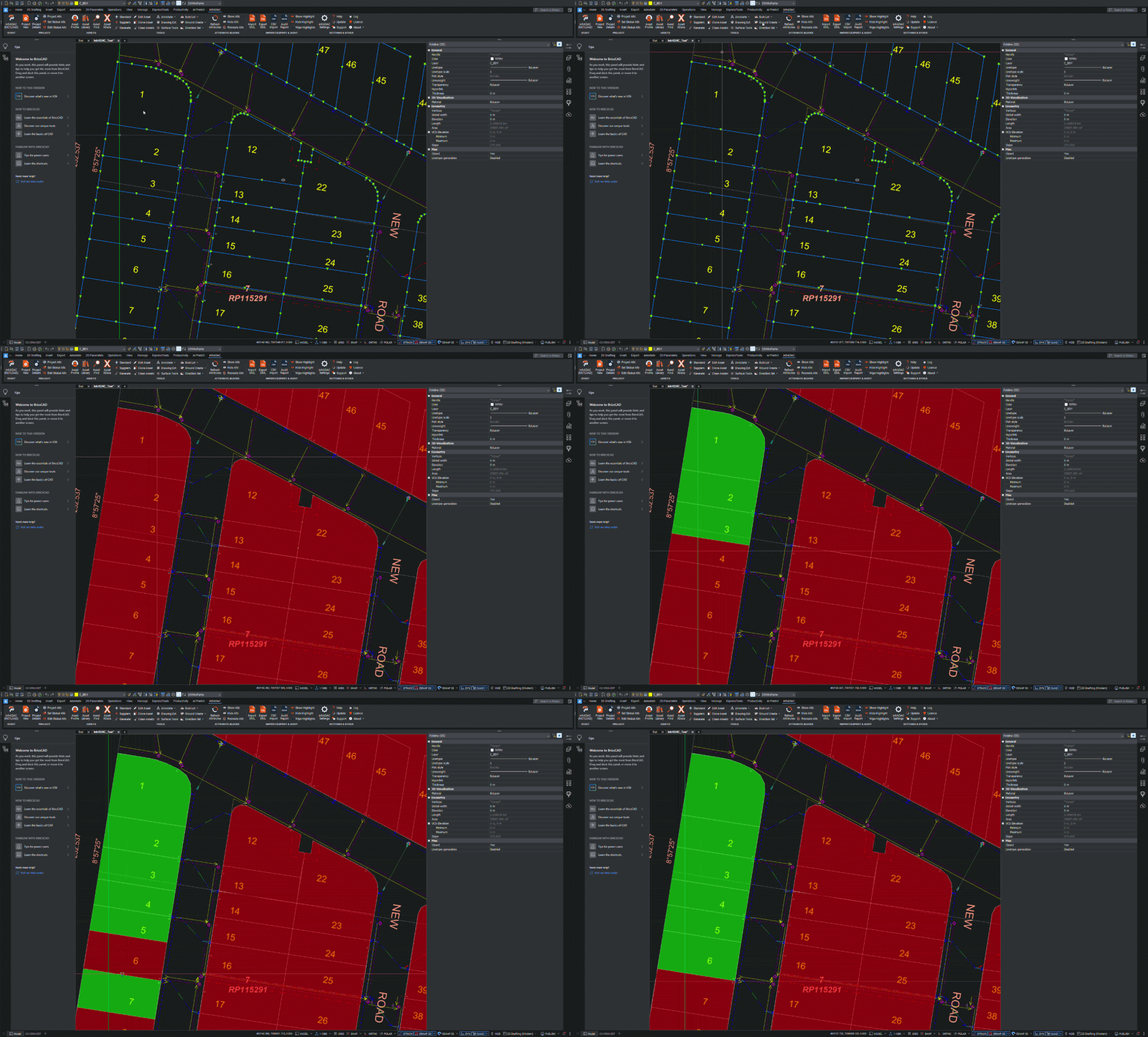
Bulk creation commands
Existing bulk creation options have been expanded with direct commands for Lots, Easements and Breaklines.
Ground level tools
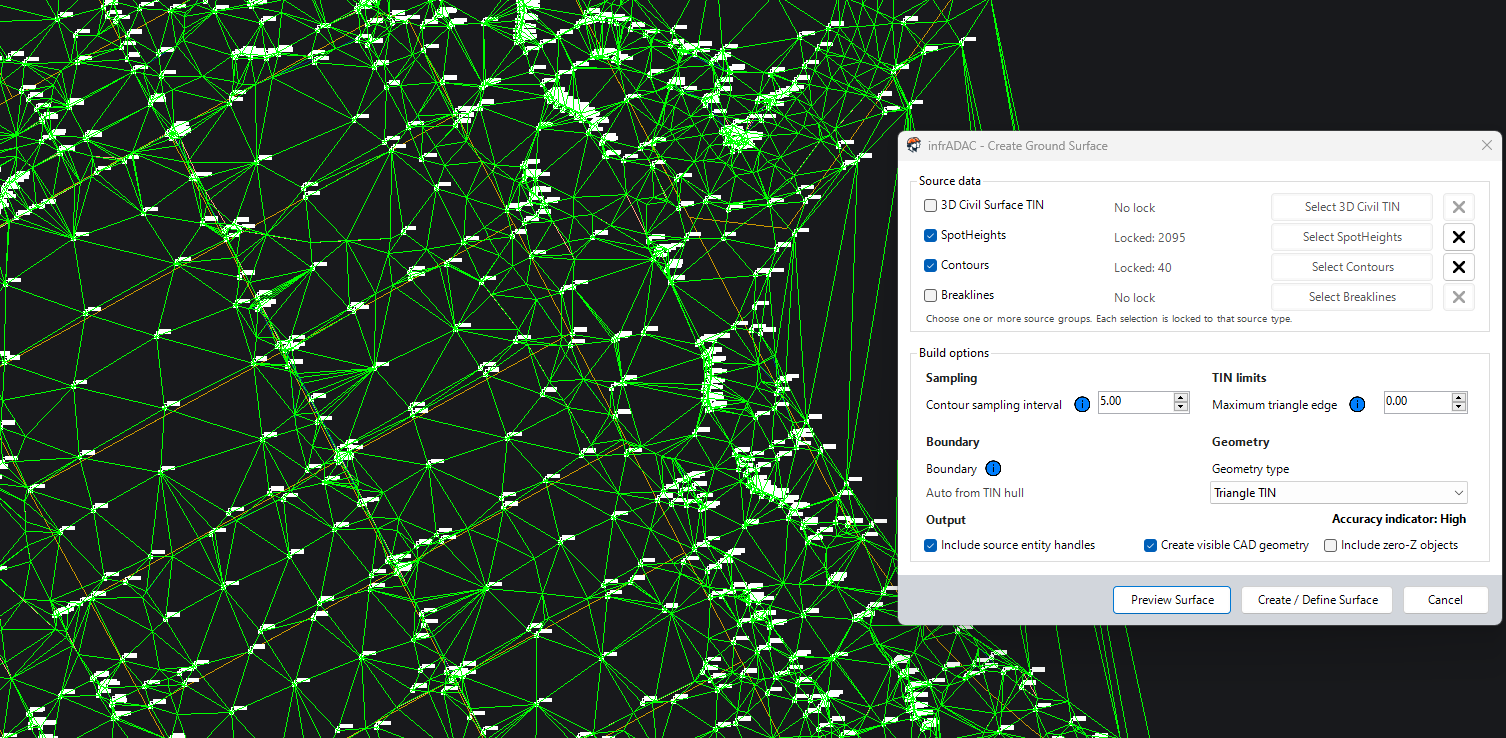
Define and generate surface levels
Define Civil 3D TIN surfaces or generate Triangle TIN surfaces for more accurate invert, depth and surface level attribute measurements. These tools help prefill level based attributes when new assets are created.
Fall direction tools
Preview, assign and clear direction data
Preview, assign and clear fall direction data for selected lines and polylines to better control upstream and downstream invert level assignment.
Sewer Connection attributes
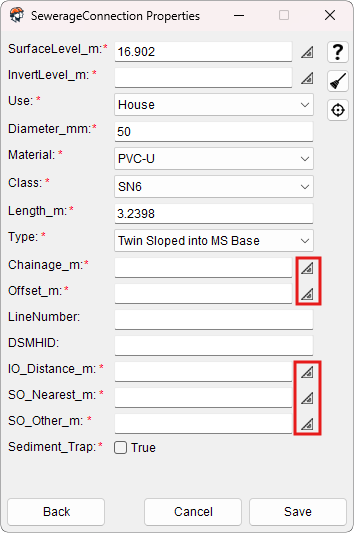
Sewer Connection Attribute Improvements
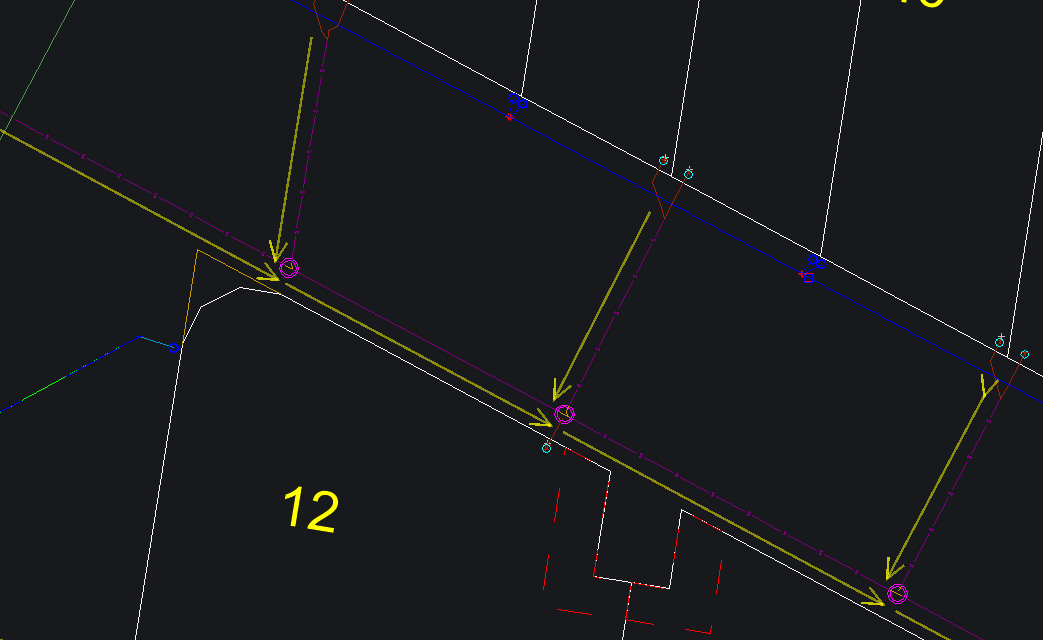
Sewer Connection forms now include measure buttons for reference points in model space. Users can measure offsets and distances from surrounding infrastructure directly from the drawing, reducing manual entry and improving consistency.
Feedback on these tools is welcome so the measurement workflow can be refined further.
Install transfer
Move infrADAC to a new CAD version
Users can now transfer an existing infrADAC install when moving to a newer version of AutoCAD or BricsCAD. This helps retain the current setup and reduces the manual work normally required when updating CAD versions.
Workflow improvements
This release includes improvements across window behaviour, asset creation, layer selection, processing and generated attribute handling.
- Users can now interact with model space while infrADAC windows remain open.
- A new target button lets users select a similar asset and import its properties when creating assets.
- ADAC Library asset forms can now select layers from the current drawing or use a custom layer.
- New bulk creation commands are available from the Ribbon Bar and command line.
- New bulk workflows avoid unnecessary attribute block creation.
- Closing a processing popup now cancels the active operation instead of leaving it running in the background.
- Generated line, polyline and 3D polyline assets have improved attribute block handling.
- Attribute show and hide commands now behave consistently when run without a selection.
Fixes
Attribute population and behaviour without a selection have been corrected across generated assets and assets created in bulk.
- Dynamic tagged attributes now populate correctly for ADACGenerate line assets.
- Generated polyline and 3D polyline assets retain the correct attribute block population.
- ADACHideAttributes hides all applicable attribute blocks when no objects are selected.
- ADACShowAttributes shows all applicable attribute blocks when no objects are selected.
- New bulk workflows no longer create attribute blocks or follow the default attribute display setting.
Upcoming changes
Documentation is a major focus for the next stage of infrADAC. The software has grown quickly since launch and the support material needs to catch up with the way users now work with the tools.
The PDF user manual and built in Help window will remain available. The Resources section on infrADAC.au will also be rebuilt as a Wiki with clearer feature notes, task based guides and video tutorials.
- More practical guides for common infrADAC workflows.
- Updated documentation for features added after the initial launch.
- Video tutorials for setup, asset creation and review tasks.